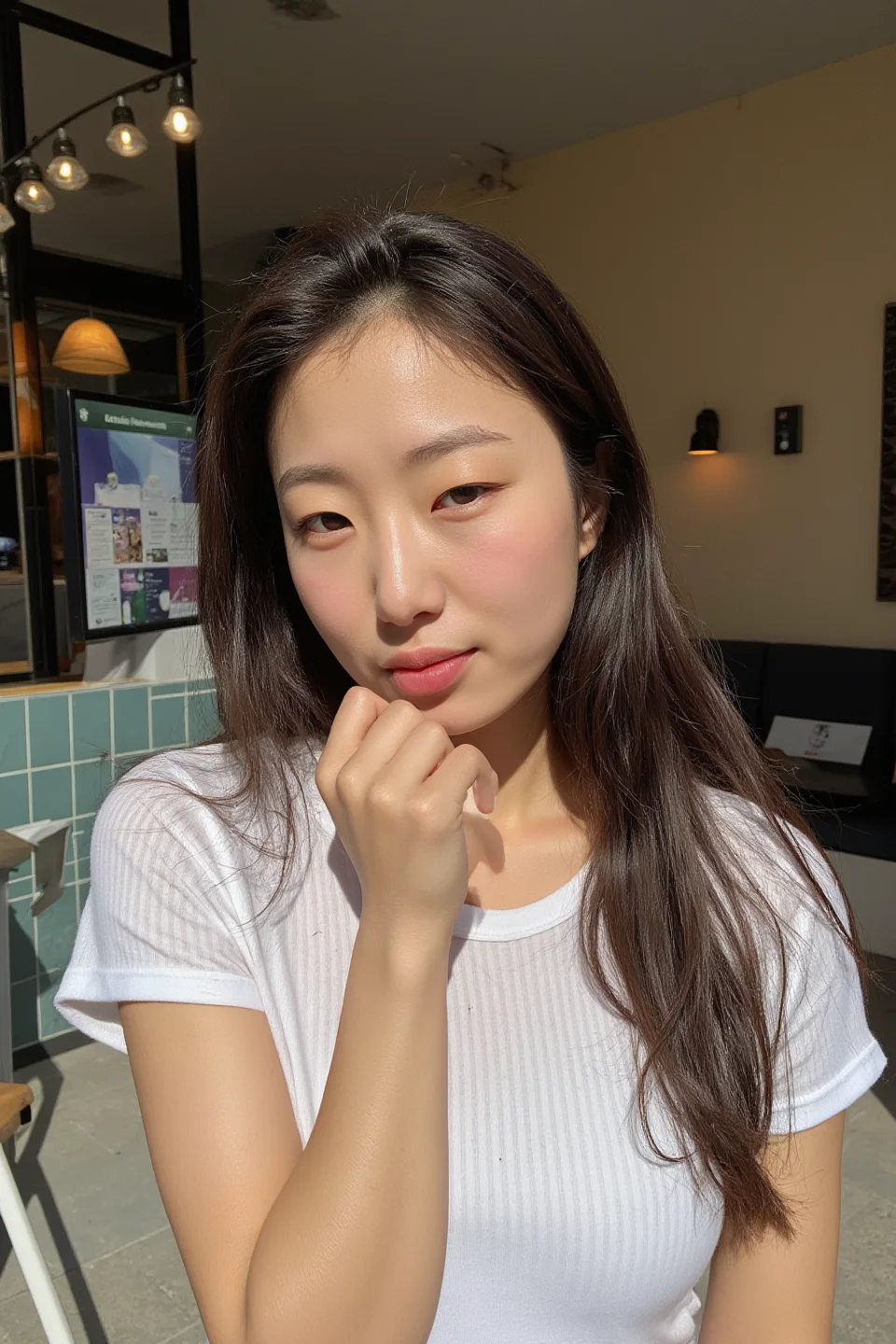
Qwen-Image-2.1 Uncensored: GGUF DiT & Heretic Text Encoder
35st · euler 1024×1024 8GB

Runs entirely in VRAM with no memory swapping.
Surgical in-context head-swapping architecture powered by Qwen Image 2.1 DiT and BFS V1.1 LoRA, utilizing selective weight ablation to eliminate plastic skin while preserving 3D head pose and natural lighting.
Reproducible ComfyUI workflow for BFS Head V1.1: Qwen Image 2.1 In-Context Face & Head Swap (Surgical Skin-Detail Ablation) using Qwen Image 2.1 (DiT) at 832×1248 resolution. Requires minimum 10GB VRAM with sampler euler and scheduler simple (8 steps). Includes 1-click terminal model sync and canvas JSON graph.
Run in your ComfyUI root:
curl -fsSL https://decomfy.com/api/scripts/bfs-head-swap-v1-1-qwen-image-2-1.sh | bash Loading bash setup script... Loading PowerShell setup script... import modal
app = modal.App("comfyui-bfs-head-swap-v1-1-qwen-image-2-1")
vol = modal.Volume.from_name("comfy-weights-cache", create_if_missing=True)
image = (
modal.Image.debian_slim(python_version="3.11")
.apt_install("git", "wget", "curl", "libgl1-mesa-glx", "libglib2.0-0")
.pip_install("torch", "torchvision", "--index-url", "https://download.pytorch.org/whl/cu124")
.pip_install("transformers", "accelerate", "safetensors", "aiohttp")
.run_commands(
"git clone https://github.com/comfyanonymous/ComfyUI.git /root/ComfyUI",
"cd /root/ComfyUI && pip install -r requirements.txt",
)
)
@app.function(
gpu="T4",
image=image,
volumes={"/root/ComfyUI/models": vol},
timeout=900,
)
def generate():
# Headless serverless execution for Qwen Image 2.1 (DiT)
print("Executing BFS Head V1.1: Qwen Image 2.1 In-Context Face & Head Swap (Surgical Skin-Detail Ablation) on ephemeral T4 GPU...")
return {"status": "success", "slug": "bfs-head-swap-v1-1-qwen-image-2-1"}
runpodctl create pod \
  --name "comfy-bfs-head-swap-v1-1-qwen-image-2-1" \
  --gpu-type "NVIDIA RTX 4090" \
  --image "runpod/comfyui:latest" \
  --volume-in-gb 50 \
  --ports "8188/http"
# ComfyUI Model Batch Ingestion for BFS Head V1.1: Qwen Image 2.1 In-Context Face & Head Swap (Surgical Skin-Detail Ablation)
# Run with: aria2c -i models-bfs-head-swap-v1-1-qwen-image-2-1.txt -j4 -x4
https://huggingface.co/Alissonerdx/BFS-Best-Face-Swap/resolve/main/bfs_head_v1.1_qwen_2.1.safetensors
dir=models/loras
out=bfs_head_v1.1_qwen_2.1.safetensors
https://huggingface.co/PrunaAI/Pruna-Qwen-Image-2.1/resolve/main/p_qwen_image_2.1_8step_v0.1.safetensors
dir=models/loras
out=p_qwen_image_2.1_8step_v0.1.safetensors
https://huggingface.co/abenzerps/Qwen-Image-2.1-Uncensored-GGUF/resolve/main/qwen-image-2.1-UC-Q4_K_M.gguf
dir=models/diffusion_models
out=qwen-image-2.1-UC-Q4_K_M.gguf
https://huggingface.co/Comfy-Org/Qwen-Image-2.1/resolve/main/text_encoders/qwen3vl_8b_int8_convrot.safetensors
dir=models/text_encoders
out=qwen3vl_8b_int8_convrot.safetensors
https://huggingface.co/Comfy-Org/Qwen-Image-2.1/resolve/main/vae/qwen_image_2.1_vae_bf16.safetensors
dir=models/vae
out=qwen_image_2.1_vae_bf16.safetensors This workflow requires a minimum of 10GB VRAM (recommended 12GB VRAM). Tested and verified on NVIDIA GeForce RTX 4070 (12GB VRAM) at 832x1248 resolution.
You can drop the workflow JSON into our client-side Missing Node Auto-Resolver at https://decomfy.com/resolve/ to detect missing nodes and generate install commands, or run the 1-click terminal setup script provided below.
BFS Head Swap V1.1 uses Qwen Image 2.1 DiT with dual VAE conditioning and in-context facial geometry alignment. It performs surgical skin-detail ablation without requiring external face-swapping models.