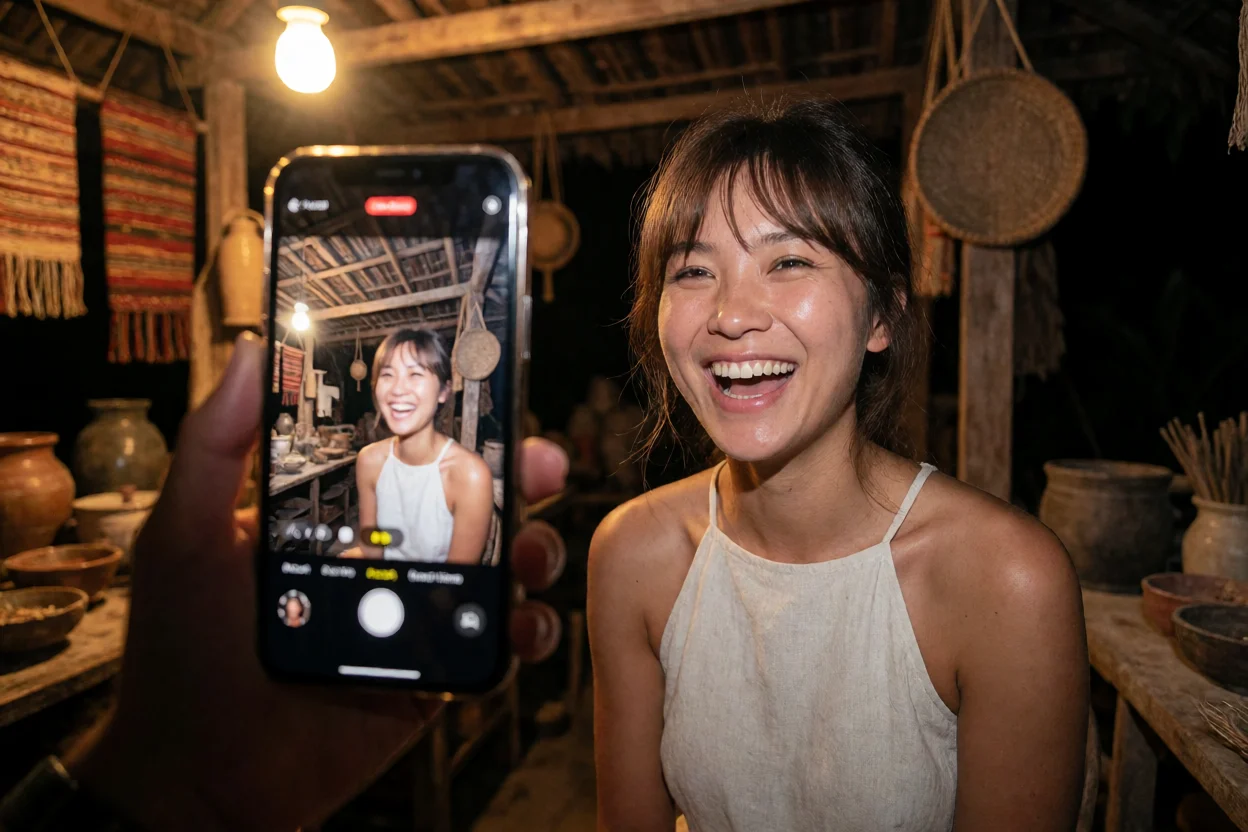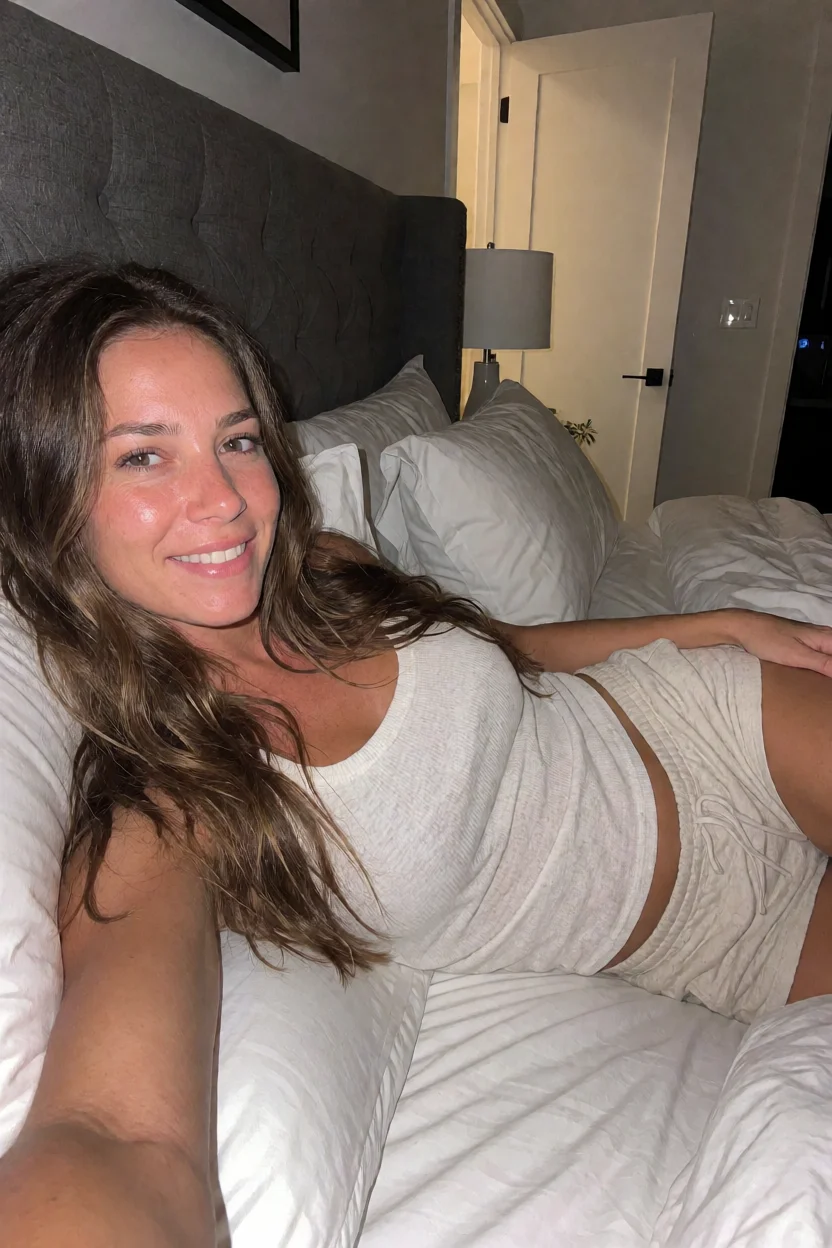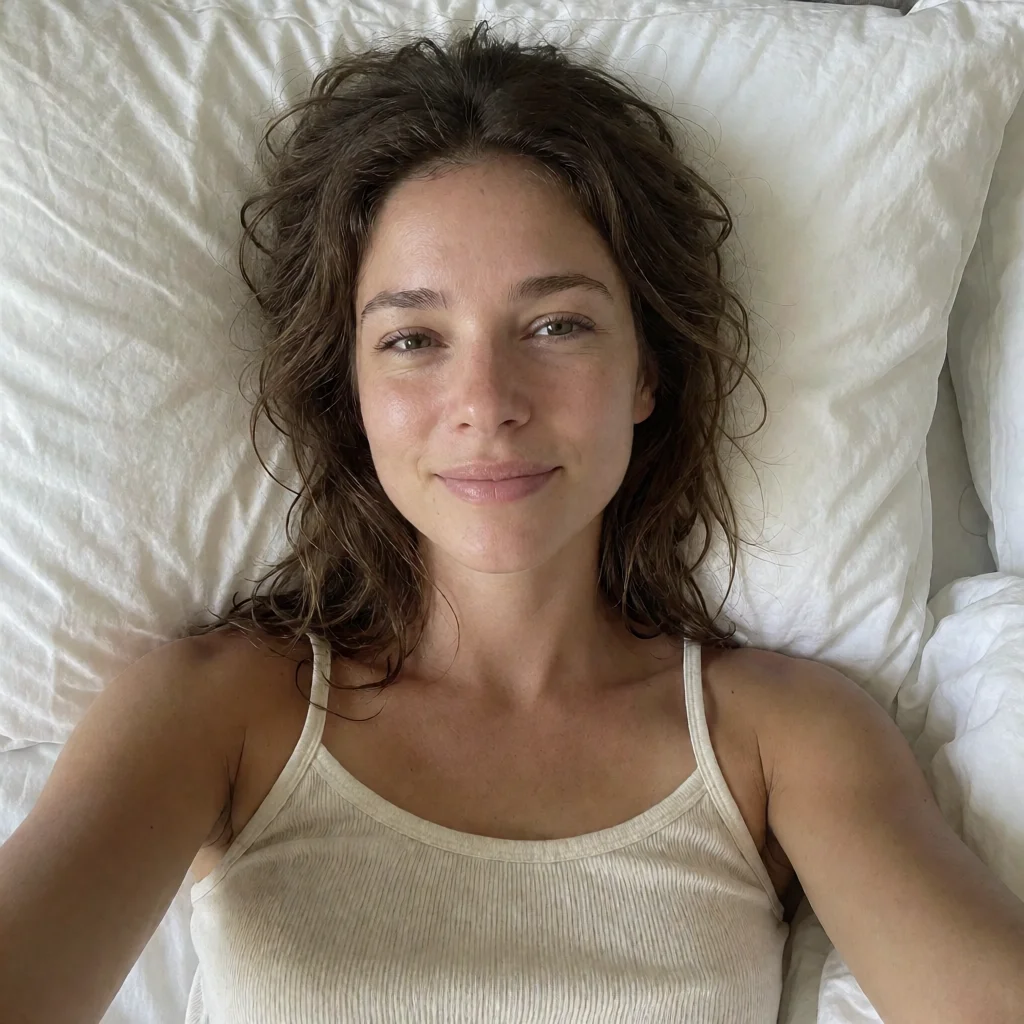
Morning Bed Selfie - Overhead Candid & Krea 2 Turbo
10st · euler 1024×1024 8GB

Native GPU execution at full throughput with zero memory swapping.
Sun-drenched anime lookbook illustration rendered with Illustrious-XL and NaughtyMouseMix V10. Chains Frostbite Artstyle with Modern Anime Render for clean cel shading line art and high-contrast interior lighting.
Reproducible ComfyUI workflow for Civitai #143395328: Afternoon Chesterfield Lounge - Sun-Drenched Cel Shading & Modern Anime Render using NaughtyMouseMix V10 (Illustrious-XL) at 1216×832 resolution. Requires minimum 8GB VRAM with sampler euler_ancestral and scheduler normal (20 steps). Includes 1-click terminal model sync and canvas JSON graph.
Run in your ComfyUI root:
curl -fsSL https://decomfy.com/api/scripts/civitai-chesterfield-afternoon-illustrious.sh | bash Loading bash setup script... Loading PowerShell setup script... import modal
app = modal.App("comfyui-civitai-chesterfield-afternoon-illustrious")
vol = modal.Volume.from_name("comfy-weights-cache", create_if_missing=True)
image = (
modal.Image.debian_slim(python_version="3.11")
.apt_install("git", "wget", "curl", "libgl1-mesa-glx", "libglib2.0-0")
.pip_install("torch", "torchvision", "--index-url", "https://download.pytorch.org/whl/cu124")
.pip_install("transformers", "accelerate", "safetensors", "aiohttp")
.run_commands(
"git clone https://github.com/comfyanonymous/ComfyUI.git /root/ComfyUI",
"cd /root/ComfyUI && pip install -r requirements.txt",
)
)
@app.function(
gpu="T4",
image=image,
volumes={"/root/ComfyUI/models": vol},
timeout=900,
)
def generate():
# Headless serverless execution for NaughtyMouseMix V10 (Illustrious-XL)
print("Executing Civitai #143395328: Afternoon Chesterfield Lounge - Sun-Drenched Cel Shading & Modern Anime Render on ephemeral T4 GPU...")
return {"status": "success", "slug": "civitai-chesterfield-afternoon-illustrious"}
runpodctl create pod \
  --name "comfy-civitai-chesterfield-afternoon-illustrious" \
  --gpu-type "NVIDIA RTX 4070 Ti" \
  --image "runpod/comfyui:latest" \
  --volume-in-gb 50 \
  --ports "8188/http"
# ComfyUI Model Batch Ingestion for Civitai #143395328: Afternoon Chesterfield Lounge - Sun-Drenched Cel Shading & Modern Anime Render
# Run with: aria2c -i models-civitai-chesterfield-afternoon-illustrious.txt -j4 -x4
https://civitai.com/api/download/models/2907147
dir=models/checkpoints
out=naughtymousemixV10_v10.safetensors
https://civitai.com/api/download/models/2432866
dir=models/loras
out=FrostbiteStudiov2_ArtStyle_Illu_Dwnsty.safetensors
https://civitai.com/api/download/models/2442886
dir=models/loras
out=Modern_anime_render.safetensors mode: 2). When importing into ComfyUI, you can unmute it or freely write any custom prompt, characters, or aesthetic styles. The underlying model checkpoint, LoRA adapter stack, and sampling pipeline will faithfully execute your vision.
This workflow requires a minimum of 8GB VRAM (recommended 12GB VRAM). Tested and verified on NVIDIA GeForce RTX 4070 (12GB VRAM) at 1216x832 resolution.
You can drop the workflow JSON into our client-side Missing Node Auto-Resolver at https://decomfy.com/resolve/ to detect missing nodes and generate install commands, or run the 1-click terminal setup script provided below.
Qwen-Image 2.1 Uncensored uses GGUF Q4_K_M quantized DiT weights paired with the Heretic uncensored text encoder, bypassing safety refusals while maintaining precise prompt adherence.