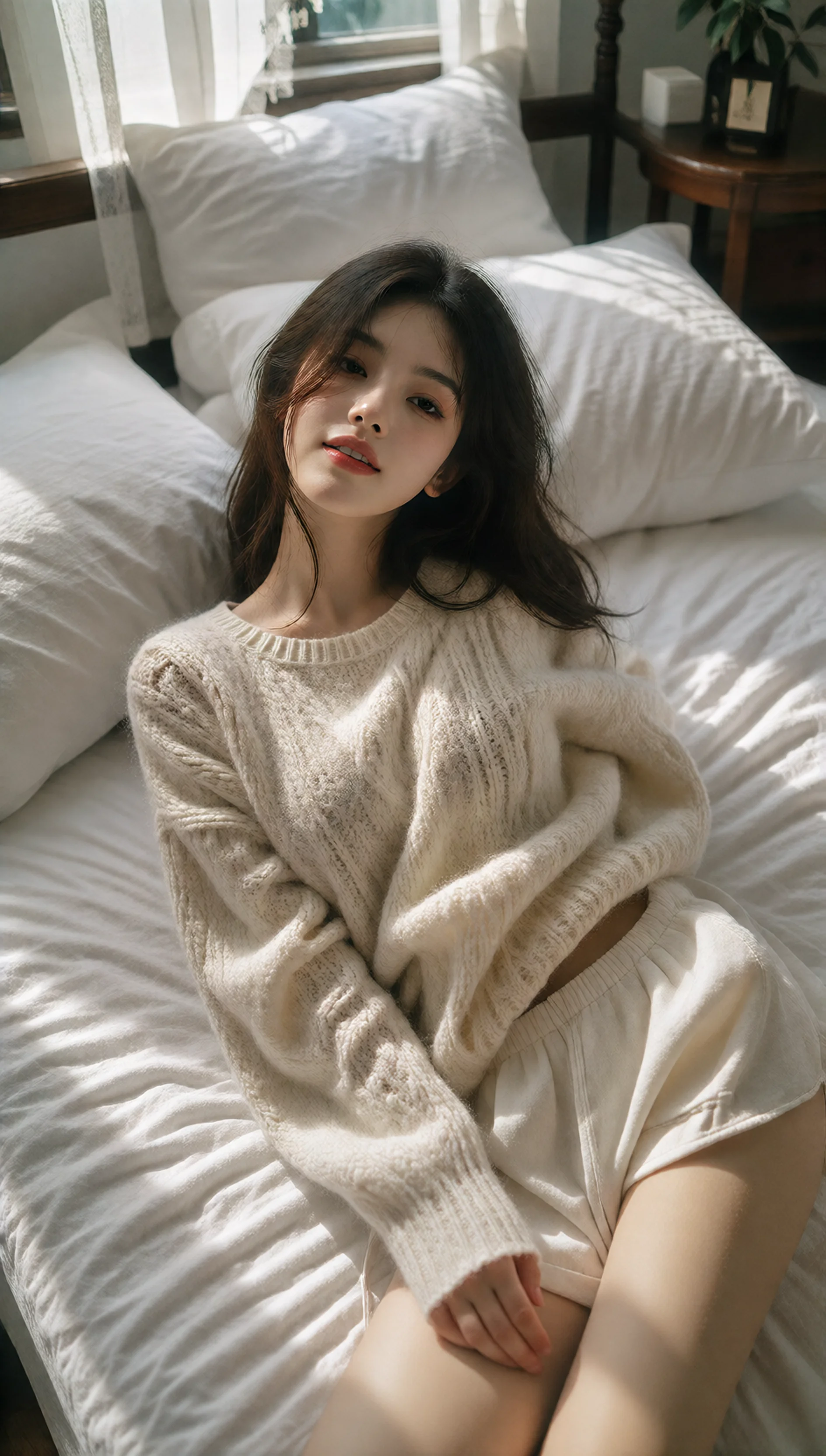
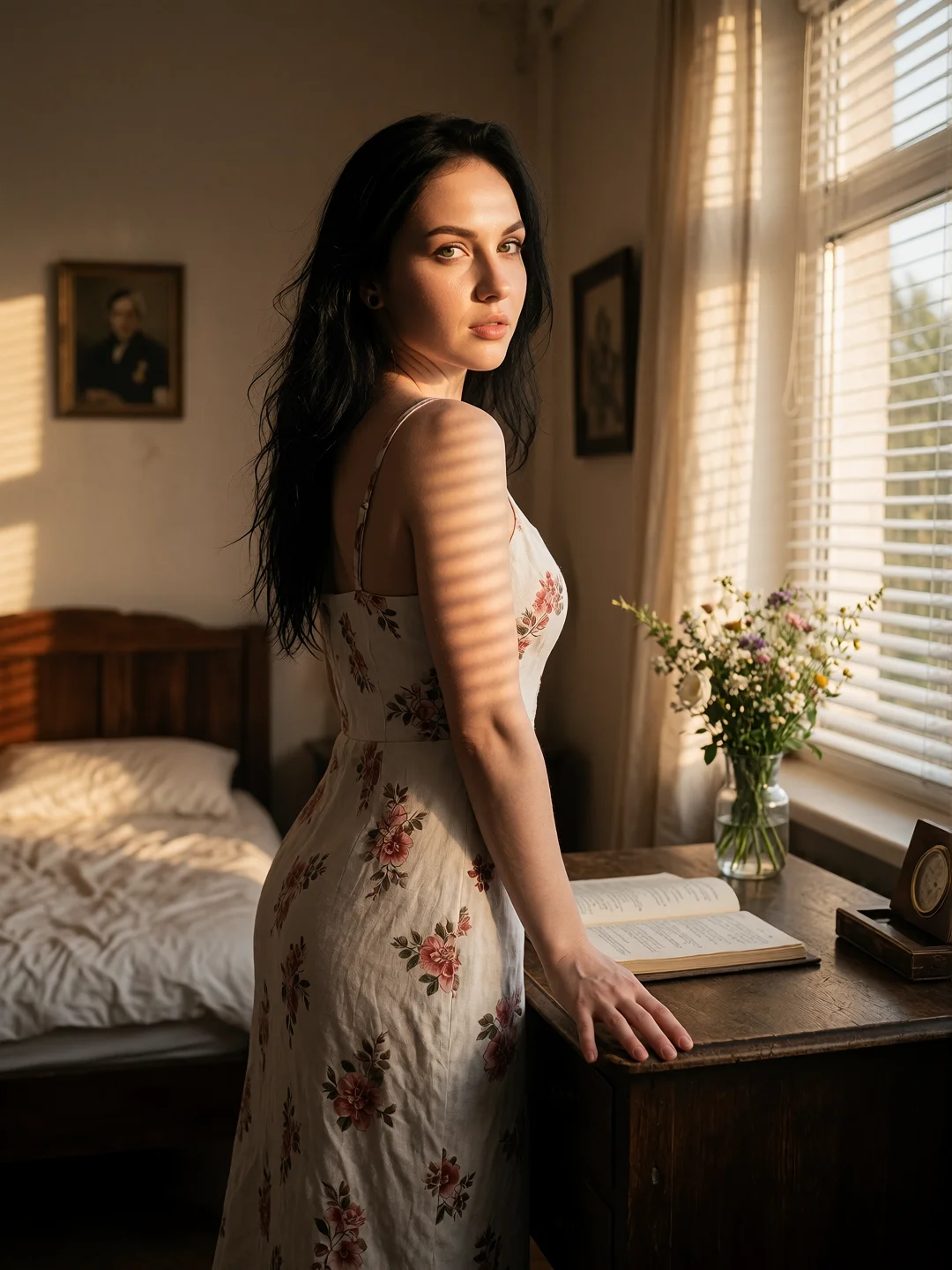
dr0smarla, high-fashion editorial portrait of a beautiful young woman standing gracefully beside a vintage wooden writing desk by a sunlit window, wearing an elegant tailored floral linen sundress. Venetian-blind shadows create soft cinematic light stripes across the warm room, a delicate vase of fresh wildflowers and vintage notebooks on the desk nearby. She glances gently over her shoulder with a relaxed, confident expression. Warm nostalgic interior, 35mm film aesthetic, shallow depth of field, natural skin texture, cozy retro-bedroom daylight lookbook.
dr0smarla high-fashion editorial portrait of a beautiful young woman standing gracefully beside a vintage wooden writing desk by a sunlit window wearing an elegant tailored floral linen sundress. Venetian-blind shadows create soft cinematic light stripes across the warm room a delicate vase of fresh wildflowers and vintage notebooks on the desk nearby. She glances gently over her shoulder with a relaxed confident expression. Warm nostalgic interior 35mm film aesthetic shallow depth of field natural skin texture cozy retro-bedroom daylight lookbook.
Negative Prompt
unclothed, disrobed, revealing clothes, lowres, blurry, bad anatomy, deformed hands, extra fingers, low quality, artifacts, distorted proportions, text, watermark, signature
Prompt Customization:
This workflow is pre-wired and calibrated. Swap this prompt with your own character, subject, or style without breaking the pipeline.
Benchmark: Rendered on NVIDIA GeForce RTX 4070 (12GB VRAM, CUDA 12.4)
1. CIVITAI REMIX & RESOURCE DECOMPOSITION:
Ground-truth inspection of Civitai generation metadata for image #145657534 confirms an elegant, streamlined 2-component Krea 2 architecture: Sick Ollie FP8 base weights (Civitai Model #2676616, Version #3154408, File #3035266, AutoV2 hash FB51603FBB) combined with the character-specific Marla LoRA adapter (Civitai Model #2997563, Version #3399901, File #3290355, AutoV2 hash 1A6B2BDCE0, trigger 'dr0smarla') at strength 1.0. This combination delivers nuanced facial contours and rich nostalgic 35mm color grading.
2. WORKFLOW REUSE & REPRODUCTION STANDARD:
Signal flow routes UNETLoader (sickOllie_krea2_3035266.safetensors, fp8_e4m3fn) and CLIPLoader (qwen3vl_4b_fp8_scaled.safetensors, type: krea2) sequentially through LoraLoader (dr0smarla_krea2_v1.safetensors). Diffusion runs via euler sampler paired with beta scheduler across 9 steps at CFG 1.0. Latents are decoded through the official 16-channel Qwen Image VAE (qwen_image_vae.safetensors), maintaining pure color balance without contrast invert artifacts.
3. HARDWARE BENCHMARKS & CONSUMER GPU FOOTPRINT:
Benchmarked on NVIDIA GeForce RTX 4070 (12GB VRAM, CUDA 12.4). Peak VRAM stabilizes at 11.97 GB, operating comfortably within the 12GB threshold with zero layer offload swapping.
Frequently Asked QuestionsFAQ
What GPU and VRAM are required to run Civitai #145657534: Sick Ollie & Marla - Nostalgic Retro Lookbook (Krea 2)?
This workflow requires a minimum of 10GB VRAM (recommended 12GB VRAM). Tested and verified on NVIDIA GeForce RTX 4070 (12GB VRAM) at 1080x1440 resolution.
How do I resolve missing custom nodes for this workflow?
You can drop the workflow JSON into our client-side Missing Node Auto-Resolver at https://decomfy.com/resolve/ to detect missing nodes and generate install commands, or run the 1-click terminal setup script provided below.
Which VAE and conditioning text encoders are required for Krea 2 DiT?
Krea 2 DiT single-stream models strictly require the 16-channel Wan2.1 VAE and Qwen3-VL text encoder. Using standard Flux or SDXL VAE causes inverted checkerboard artifacts. Also pair with RescaleCFG for high-contrast portrait clarity.